What a Lead Capture App Should Actually Do
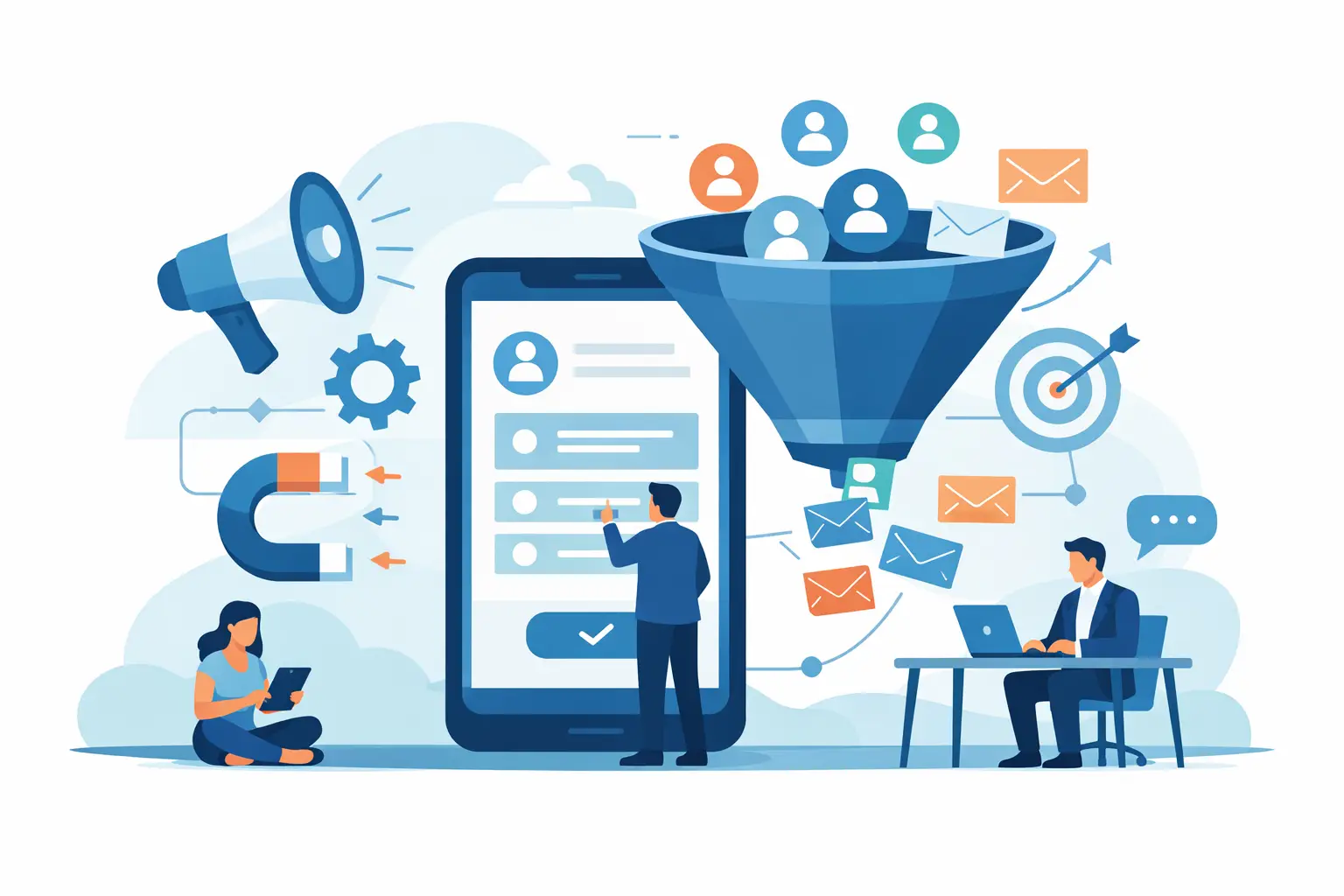
A missed lead rarely looks dramatic in the moment. It looks like a text you meant to answer after lunch, a call that came in while you were on a job, or a web inquiry that sat untouched until the next morning. Then the prospect books with someone else. That is exactly why a lead capture app matters - not because it collects contact info, but because it helps you act before the opportunity goes cold.
For most small businesses, the real problem is not lead generation. It is lead response. You can spend money on ads, referrals, SEO, social media, and listing sites, but if your team is slow to reply, those leads leak out just as fast as they come in. A good app closes that gap. A bad one just gives you another dashboard to ignore.
What a lead capture app is really for
A lot of software gets sold on the promise of organization. That sounds nice, but organization does not pay the bills by itself. Revenue comes from conversations started quickly, followed up consistently, and pushed toward the next step.
That is the real job of a lead capture app. It should collect inbound inquiries from the channels you already use, turn them into usable lead records, and help you respond immediately. If it stops at intake, it is incomplete. If it captures the lead but leaves the follow-up to your memory, sticky notes, or an overworked receptionist, you still have the same problem.
For a mortgage broker, that could mean responding to a rate inquiry in under a minute. For a med spa, it could mean texting back a new treatment lead while they are still comparing providers. For a roofer, it could mean acknowledging a storm damage request before the prospect calls the next contractor on the list. The common thread is simple: speed wins.
The difference between capturing leads and converting them
This is where a lot of business owners get burned. They buy software that captures leads from forms, ads, or calls and assume the system is working. Technically, it is. Commercially, maybe not.
Capturing a lead is administrative. Converting a lead is operational. One is about storing data. The other is about moving a real person toward a quote, appointment, application, or sale.
If your app only logs inquiries, your team still has to notice them, prioritize them, write a response, and remember to follow up. That is fine if you have a dedicated sales floor. It is not fine if you are running a lean business where the same person is answering phones, handling customers, and trying to close deals between everything else.
A useful system should reduce the time between inquiry and first contact. It should also reduce the effort needed to keep the conversation moving. That means automation, alerts that actually get seen, mobile access, and messaging tools built for fast action instead of back-office reporting.
What to look for in a lead capture app
The first thing to look for is response speed. Not reporting. Not custom fields. Not a beautiful pipeline view. If the app does not help you reply faster, it is attacking the wrong problem.
Instant acknowledgment matters because most leads are shopping in real time. When someone reaches out, they are usually contacting multiple businesses, not waiting politely for yours to get back to them. The business that responds first often earns the first conversation, and the first conversation usually has the best shot at closing.
The second thing is mobile usability. Small business sales do not happen from a desk between 9 and 5. They happen in trucks, on job sites, between appointments, in treatment rooms, at open houses, and after hours. If your team cannot see and respond to leads from a phone in a few taps, adoption will fall apart fast.
Third is built-in texting. SMS works because it matches how people actually communicate. Calls get missed. Emails get buried. Texts get read. That does not mean every business should abandon calling, but it does mean a lead capture app should make texting a first-class function, not an afterthought.
Then there is follow-up support. This is where real money gets recovered. Many leads do not convert on the first message. They need reminders, check-ins, answers to objections, or a second nudge after they stop responding. The app should help your team know who needs attention and what to send next. If it leaves follow-up entirely manual, revenue will still slip through the cracks.
Why simple beats bloated
A common mistake is buying software meant for a company ten times your size. It comes with dozens of modules, long setup times, and features nobody uses after the first week. On paper, it looks powerful. In practice, it slows people down.
Small teams need focus. They do not need a giant system that tries to be a CRM, call center, campaign manager, analytics suite, and customer database all at once. They need a tool that solves the most expensive bottleneck first: delayed response to inbound leads.
That is why specialized tools often outperform broader platforms for lead-driven businesses. They are easier to launch, easier to train on, and easier to use consistently. You are not migrating your whole company into a new operating system. You are fixing the part of the sales process that loses money every day.
There is a trade-off, of course. A focused app may not replace every system you already use. For some businesses, that is a downside. For many small operators, it is exactly the advantage. You keep your current stack and add a conversion layer that improves response speed without creating a giant implementation project.
Where most businesses lose deals
The biggest losses usually happen in the first hour, not the fifth follow-up campaign. A new inquiry comes in and nobody sees it. Or somebody sees it but waits until they have more time. Or the lead gets assigned loosely, with no ownership. Or a generic email goes out and no one notices when the prospect replies by text.
Then the conversation stalls before it starts.
This is especially brutal in industries where intent is high and timing is short. Real estate leads often cool fast. Insurance shoppers compare quickly. Home service buyers want answers now, not tomorrow. Aesthetic and wellness prospects are often deciding based on who makes booking easiest. In each case, slow response feels like disinterest, and disinterest kills trust.
A lead capture app should reduce that failure rate. It should turn inbound messages into visible, actionable opportunities. It should prompt action while the lead still has buying intent. And it should make the next move obvious enough that your team actually makes it.
AI helps, but only if it removes work
There is a lot of noise around AI right now, and much of it is fluff. Small business owners do not need another buzzword. They need fewer missed leads and more closed deals.
AI is useful when it shortens the path to action. If it can draft a fast reply, suggest a follow-up, score urgency, or highlight which lead deserves attention first, that is valuable. If it just adds another screen full of insights nobody has time to read, it is dead weight.
This is the right standard to use with any app: does it help your team act now? If yes, it is earning its keep. If not, it is software theater.
A platform like Chesera fits this model when used correctly. It is not trying to become your entire business system. It is built to help capture inbound interest, reply by text fast, and keep follow-up moving without adding operational drag. For lead-driven businesses, that focus matters.
The best lead capture app is the one your team will actually use
This sounds obvious, but it gets ignored all the time. A feature-packed tool means nothing if your team avoids it. The best app is one that becomes part of the daily sales rhythm with almost no friction.
That usually means quick setup, a clean mobile experience, notifications that are hard to miss, and messaging workflows that do not require training manuals. It also means the app should feel tied to revenue, not administration. When users can see that faster replies create more booked appointments, better contact rates, and more closed deals, usage follows naturally.
There is no perfect app for every business. If you need deep reporting across a large team, your priorities may be different. If your volume is low and every lead gets white-glove attention manually, automation may matter less. But for most appointment-based and quote-driven businesses, the answer is straightforward: you need something that captures, responds, and follows up faster than your current process.
That is the bar. Not whether the interface is impressive. Not whether the platform has endless tabs. Whether it helps you get to the lead before your competitor does.
If your current setup still depends on someone remembering to circle back later, you do not have a lead system. You have a revenue leak. Fix that first, and the rest of your sales process gets a lot easier.